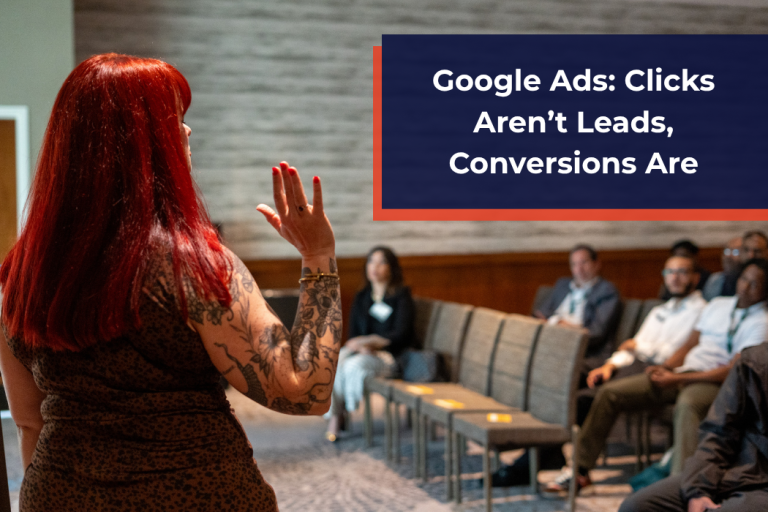
When you’re running Google Ads, it can be easy to focus on just getting the most clicks. Google Ads is both built this way by default and the easy option to implement. But treating clicks as the driving force of your ad campaign is like the old adage: “If a tree falls in the forest and no one is around to hear it, does it make a sound?” People may be going to your website, but are they doing anything useful? It’s time to learn that clicks aren’t leads and why you need to be setting up conversions when running Google Ads.
What is a Conversion?
A conversion is a meaningful, trackable action that someone takes with your business via your ad. Typically, these are “lead-generating” activities that include:
- Phone Call: Via the ad or your website, they call your number.
- Form Submission: Via the ad or your website, they submit a form, such as a quote request.
- Make a Purchase: If you have e-commerce on your website (or using Google’s Merchant Center), they make a purchase.
- Other Positive Actions: This could include them looking up your address, clicking an email link, or taking other actions you consider lead-generating.
Why are Conversions Better Than Clicks?
We all have been there when looking at marketing and ad analytics, obsessing over a single metric. But clicks are someone coming in your business’s proverbial door, not making a purchase. By tracking behaviors that lead to sales, you can not only get a better idea of what ads are really working, but also have Google Ads start optimizing for conversions, not clicks. Our own COO Julia Becker Collins breaks it down in this video from the 2026 Boston Small Business Expo:

How to Set Up Conversions for Google Ads
Setting up all the conversions possible for your Google Ads is challenging (and would take up more than just this one blog), so we’ll go over the basics if you’ve got a basic understanding of both Google Ads and your website’s backend.
- Set Up a Phone Number with Ads: When creating Google Ads, you can also create Assets, add-ons to ads to enhance them. Make sure to add a phone number and track that as a conversion under the Goals tab.
- Enable Tracking on Your Website: Once people reach your site, tracking their actions is vital. This is where another Google product comes into play: Google Analytics. Make sure it is set up and linked with your Google Ads account.
- Set Up a Thank You Page with Code: One of the easiest ways to track conversions is to ensure your forms lead to “Thank You” pages. These pages can include backend conversion code to track people who fill out lead forms.
There is a lot more you can do, but it can get technical, fast. Google Ads does offer experts on the platform, but without a good understanding, some advanced knowledge, and access to your website, it can be hard.
Here at Vision, we believe in providing education to all and helping our clients get the most out of their advertising and marketing, including Google Ads. Contact us today to learn more. Want to see more of Julia’s seminars and webinars? Check out our YouTube channel. And we have more great advertising tips, plus more on the rest of our Vision blogs, our enVisioning Success podcast, and our downloadable Marketing Strategies Playbook.